
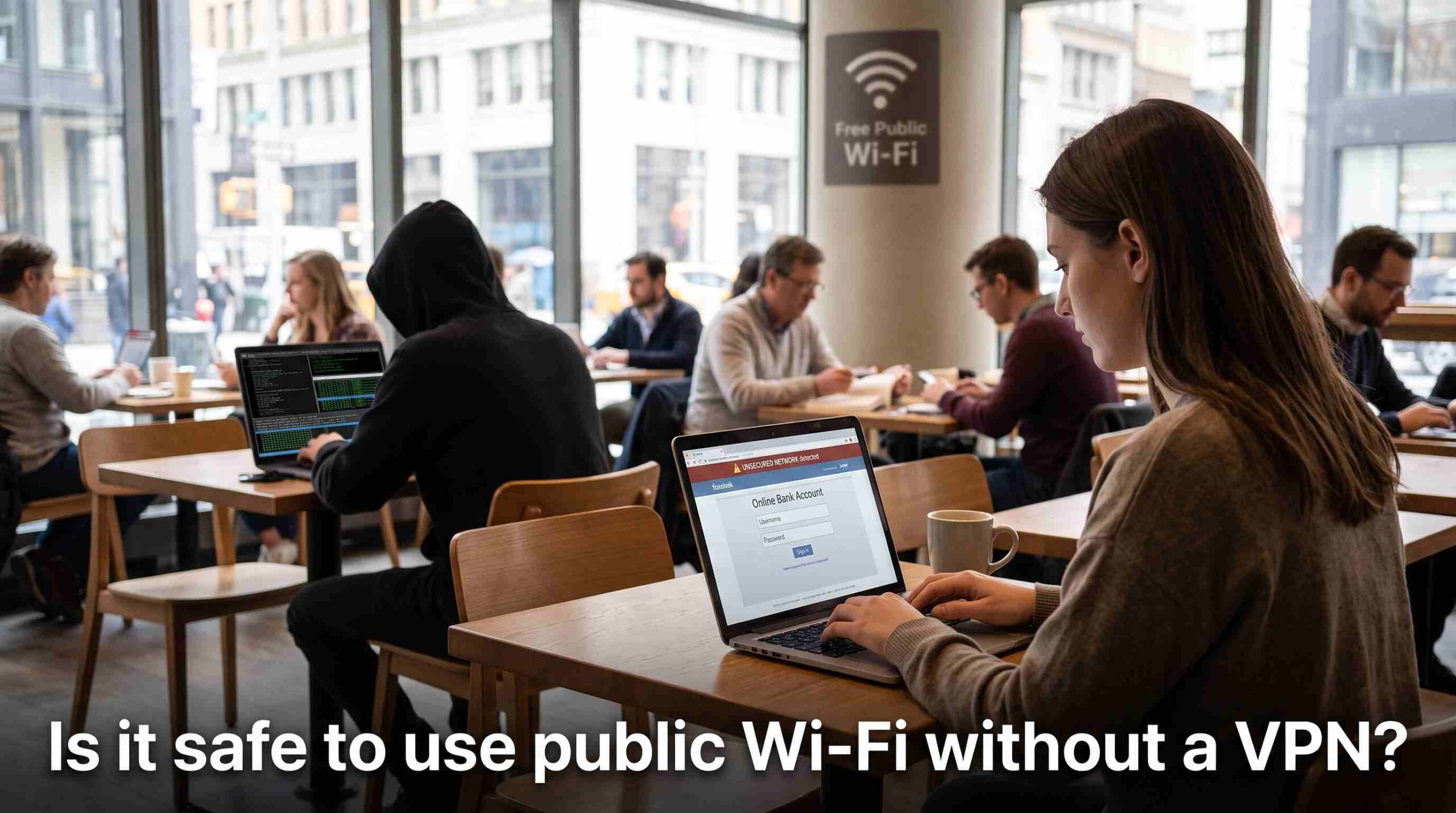
You’re sitting in a coffee shop, your laptop battery is fine, and the wifi password is taped to the counter. You connect without thinking twice. But is it safe to use public wifi without a VPN, or are you quietly handing over your data to anyone nearby with the right tools? The honest answer is: it depends on what you’re doing online, but the risks are real enough that most security professionals won’t connect to open networks without some kind of protection.
What Actually Happens When You Join an Open Network
Public wifi networks — at airports, hotels, libraries, and cafes — are usually unencrypted or use shared passwords that everyone in the building knows. That means your device is broadcasting data on the same network as strangers, some of whom might be running simple packet-sniffing tools. Is it safe to use public wifi without a VPN in this kind of environment? Not really, because anyone with basic software can potentially see which sites you visit, and in some cases, intercept unencrypted information like login credentials or form data.
The biggest threat isn’t some Hollywood-style hacker in a hoodie. It’s usually passive snooping, where someone simply watches network traffic pass by. Even if they can’t read everything thanks to HTTPS encryption on most modern websites, they can still learn a surprising amount about your browsing habits.
The “Evil Twin” Problem
One of the more deceptive risks is the fake hotspot, often called an “evil twin.” Someone sets up a wifi network with a name like “Airport_Free_WiFi,” nearly identical to the real one, and waits for people to connect. Once you’re on their network, they control the connection entirely. This is a big reason why asking is it safe to use public wifi without a VPN matters so much — a VPN encrypts your traffic regardless of who’s actually running the network, which neutralizes a lot of the danger from evil twin setups. The Federal Trade Commission has published consumer guidance specifically warning about this kind of impersonation on public networks.
Without encryption, a malicious hotspot operator can redirect you to fake login pages, inject ads, or monitor exactly what you type. It’s not guaranteed to happen every time you connect, but the possibility is exactly why caution makes sense.
What You’re Actually Risking
So what’s really on the line? Mostly it comes down to a few categories: login credentials, financial details, and personal messages. If you check your bank account, log into email, or enter a password on an unprotected connection, that information could theoretically be exposed if the network is compromised. Is it safe to use public wifi without a VPN for casual browsing, like reading news or checking the weather? Probably low-risk. Is it safe to use public wifi without a VPN for online banking or work email? That’s where the real exposure lives.
Session hijacking is another concern. Some attackers steal session cookies — the small files that keep you logged into a site — and use them to impersonate you without ever needing your password. This is harder to pull off on HTTPS sites, but not impossible on poorly secured ones.
How HTTPS Changes the Picture (But Doesn’t Solve It)
Most websites today use HTTPS, which encrypts the connection between your browser and the site itself. This is a genuine improvement over the wifi landscape of a decade ago. So is it safe to use public wifi without a VPN now that HTTPS is everywhere? It’s safer than it used to be, but HTTPS doesn’t hide everything. Someone monitoring the network can still see which domains you’re visiting, how long you stay, and roughly what kind of traffic is flowing, even if they can’t read the actual content. For many people, that metadata alone feels like more than they’re comfortable sharing with a stranger on the same network.
HTTPS also doesn’t protect against evil twin attacks at the network level, DNS manipulation, or certain types of malware injection on unsecured hotspots. It’s a strong layer, but not a complete shield.
Where a VPN Actually Helps
A VPN, or virtual private network, creates an encrypted tunnel between your device and a remote server, so even if someone is watching the local network, all they see is scrambled data. This directly answers is it safe to use public wifi without a VPN versus with one: a good VPN meaningfully reduces the risk of local network snooping, evil twin interception, and some forms of traffic analysis. The Cybersecurity and Infrastructure Security Agency recommends using a VPN specifically when connecting to networks you don’t control.
That said, a VPN isn’t magic. It shifts trust from the local network to the VPN provider, so choosing a reputable service with a clear no-logs policy matters. A VPN also won’t stop you from downloading malware or falling for a phishing email — it only protects the connection itself.
Practical Habits That Help Either Way
Even with a VPN running, a few habits make public wifi noticeably safer. Turn off file sharing and AirDrop-style features before connecting. Avoid entering sensitive information on sites that still use plain HTTP. Keep your device’s software updated, since many public wifi attacks exploit outdated systems. And if a network asks for unusual permissions or pops up a strange login page, disconnect and verify with staff before proceeding.
If you’re weighing is it safe to use public wifi without a VPN one more time, think about what you’re actually doing on that connection. Scrolling social media for five minutes is a different risk level than logging into your bank. When in doubt, use your phone’s mobile data for anything sensitive, or wait until you’re on a trusted network.
The Bottom Line
So, is it safe to use public wifi without a VPN? For light, low-stakes browsing, the risk is relatively small, especially with HTTPS protecting most of the web. But for anything involving passwords, payments, or private information, skipping a VPN on public wifi is a real gamble. A VPN doesn’t make you invincible, but it closes off a lot of the easiest attack paths, which is why most security experts treat it as a basic precaution rather than an optional extra.