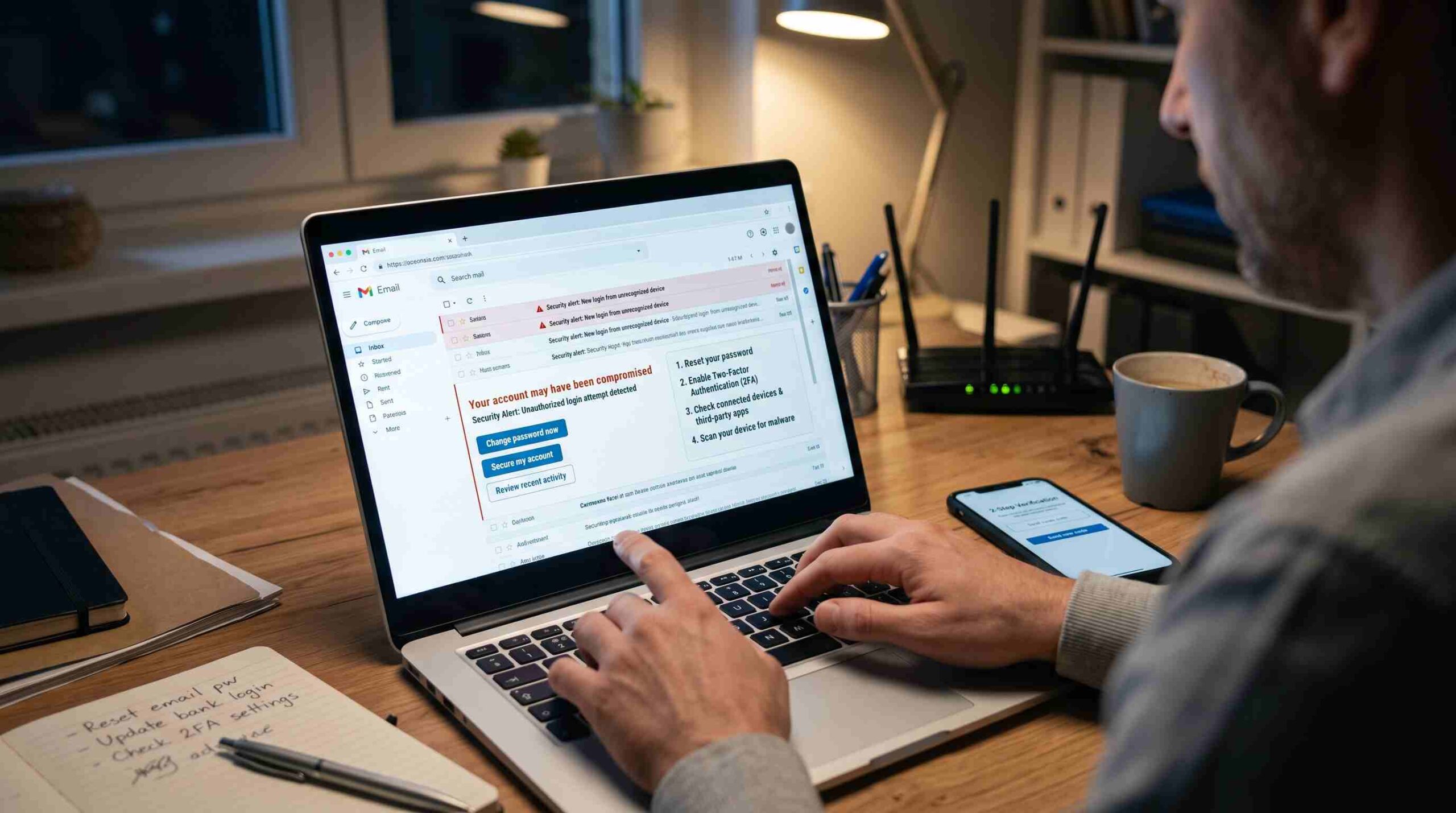
Your stomach drops. You see strange sent messages you didn’t write. Your password suddenly doesn’t work. Friends ask why you emailed them a weird link. If you’re asking what to do if my email account was hacked, here’s the honest answer: stay calm, move fast, and work through this one step at a time. Panic doesn’t help. Neither does freezing up. The first five minutes matter more than almost anything else you do, because every minute a hacker holds your account, they dig deeper into your life.
Try to log in first. If you still can, change your password immediately. Do this before anything else. If you can’t log in because someone already changed the password, go straight to your provider’s account recovery page. Don’t keep hammering the login screen.
Regain Access Before You Do Anything Else
Every major provider runs a dedicated recovery flow. Learn it now, not while you’re panicking. For Gmail, Google’s own account recovery page walks you through verifying your identity with a phone number, recovery email, or security questions. Outlook and Microsoft accounts use a similar compromised account recovery process. Yahoo offers the same option through its help center.
Recovery always comes before cleanup. Don’t investigate what the hacker did until you’ve locked them out. Use every verification option you have — a backup phone number, a secondary email, a trusted device. If none of those work, most providers offer a manual identity-verification form for exactly this situation.
Change Your Password the Right Way
Once you’re back in, don’t just tweak your old password. Replace it completely. A hacked account burns your old password — assume it’s floating around somewhere, because it probably is. Use a long, unique passphrase instead of a short, complex-looking string. Length matters more than symbols for real-world security. A password manager like Bitwarden or 1Password can generate and store this for you, so you never reuse one again.
This step sits at the center of what to do if my email account was hacked. A weak or reused password usually explains how the hacker got in. If you used that same password anywhere else — your bank, social media, work accounts — change it there too. Start with anything financial.
Turn On Two-Factor Authentication
Take one habit from this experience: turn on two-factor authentication (2FA). Even if someone steals your password again, they still can’t get in without a code from your phone. Set it up through an authenticator app like Google Authenticator or Authy. Avoid text-message codes when you can, since SIM-swapping attacks can intercept them. The National Institute of Standards and Technology explains clearly why multi-factor authentication matters, even for accounts that feel low-risk.
Treat 2FA as non-negotiable after a hack, not optional. It’s the single biggest barrier between you and a repeat break-in.
Check What the Hacker Actually Did
Once your account is secure, look through the damage calmly. Check your “Sent” folder for messages you didn’t write. These often go to your entire contact list and may carry scam links or malware. Check your inbox rules and filters too — hackers often set up a silent forwarding rule, so your emails keep reaching them even after you change your password. Review connected apps and devices under your account’s security settings. Remove anything you don’t recognize.
This step is easy to skip because the crisis feels over. But lingering access often hides here. Spend ten extra minutes on it.
Warn the People Who Might Be Affected
If scam messages went out under your name, send a quick heads-up to close contacts. People click links from “you” far more readily than from a stranger, so a short message explaining the hack can stop it from spreading. Keep it simple. You don’t need to over-explain.
Watch for Fallout Over the Following Weeks
Email often works as the master key to everything else — bank resets, shopping accounts, social media. For the next few weeks, watch your financial statements and any account that uses your email for password resets. Use Have I Been Pwned to check whether your email address has appeared in other data breaches — this can explain how the hacker got your details in the first place. If you spot anything suspicious on your bank or credit accounts, the Federal Trade Commission’s identity theft site offers a clear, step-by-step reporting process.
Build Habits So It Doesn’t Happen Again
The real answer to what to do if my email account was hacked isn’t just the cleanup. It’s what you change afterward. Use a unique password for every account. Turn on two-factor authentication everywhere it’s offered. Stay skeptical of unexpected login-request emails or links asking you to “verify your account.” Hackers rely on urgency and fear. Slowing down for thirty seconds before you click is often the only defense you need.
This experience is stressful, but it’s also a good reminder: your accounts deserve real protection. Once you lock things down and add that extra security layer, you’re in a far stronger position than before the hack happened.