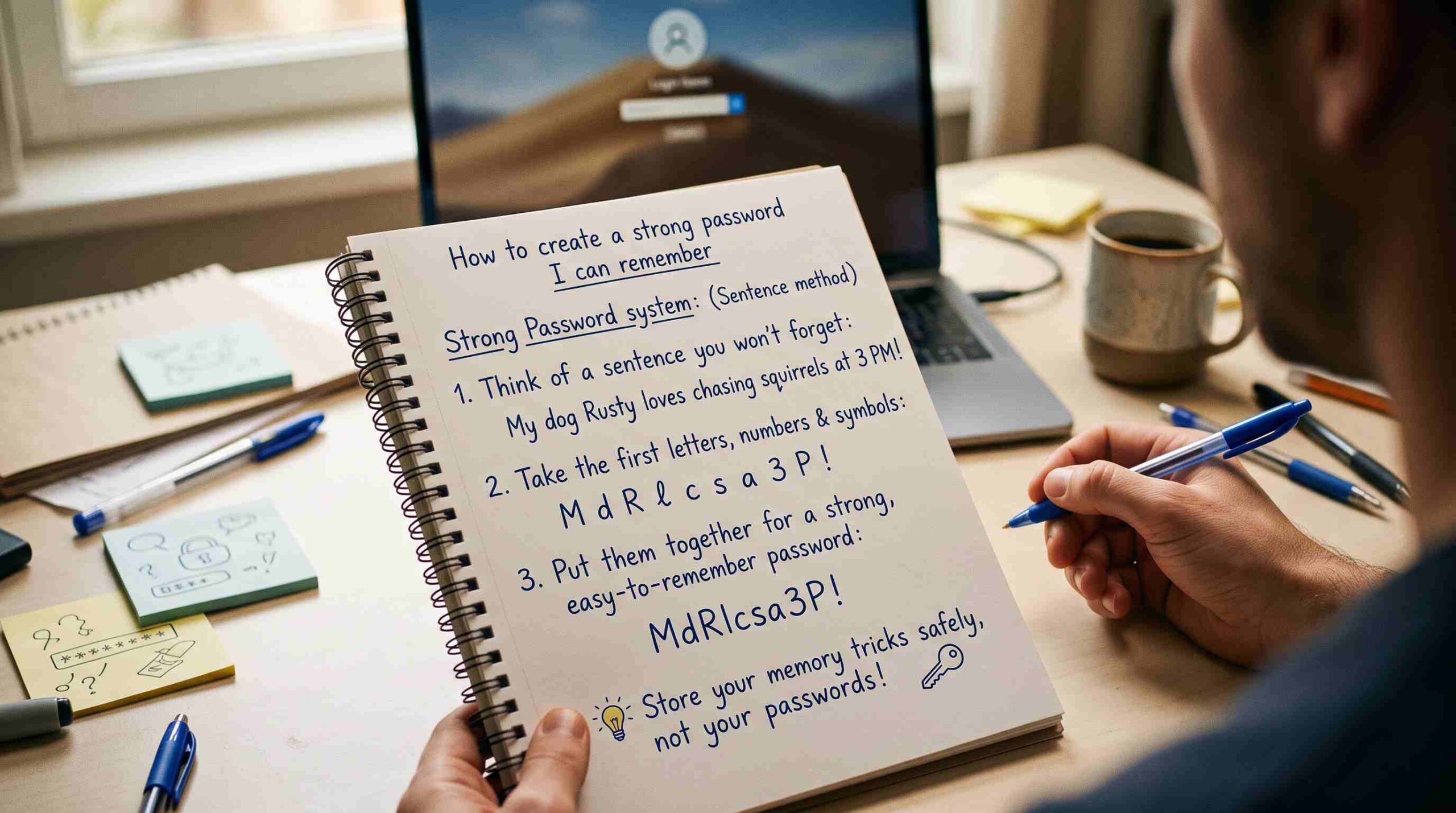
Most people know they should have better passwords. Almost nobody does anything about it, because the advice online usually sounds like a punishment: random strings of letters, numbers, and symbols that look like a cat walked across a keyboard. The problem isn’t that people don’t care about security — it’s that nobody ever showed them how to create a strong password they can remember without writing it on a sticky note. That’s what this post is actually about.
The Problem With Traditional Password Advice
Security experts used to recommend things like Tr$9!kLp2@. Technically strong, practically useless — you’ll forget it within a week and end up resetting it constantly, which is worse for security, not better. Even the National Institute of Standards and Technology now recommends longer, more memorable passwords over short, complex ones that are hard to recall. If you’ve been chasing complexity instead of length, you’ve been optimizing for the wrong thing.
How to Create a Strong Password I Can Remember Using a Passphrase
The simplest fix is to stop thinking in characters and start thinking in words. A passphrase — four or five unrelated words strung together — is both longer and easier to recall than a short jumble of symbols. Something like horseLampTuesdayOcean is harder to crack than H0rse! and far easier to keep in your head. This is genuinely the fastest way to learn how to create a strong password you can remember, because you’re leaning on your memory’s natural strength: stories and images, not random symbols.
Add a Personal Twist Without Making It Weak
Once you have your base passphrase, personalize it slightly so it’s not identical to every example in a tutorial. Swap in a word only you’d pick — a childhood street, an old pet’s name, a food you hate — mixed with a word that has nothing to do with it. The goal when learning how to create a strong password I can remember is contrast: unrelated words are harder to guess than a logical phrase like “ILoveMyDog2024,” which attackers can predict because so many people use the same pattern.
Use a Pattern System Instead of Reusing One Password
Reusing the same password everywhere is the single biggest password mistake people make, because a breach on one site means every other account using that password becomes vulnerable. Instead, build a system: take your core passphrase and add a small, site-specific tag at the end — the first two letters of the service, for example. Your base stays memorable, but each login is technically different. This one habit solves most of what people are trying to fix when they search for how to create a strong password I can remember in the first place.
What to Avoid When Building a Memorable Password
A few things quietly undo all this effort. Skip birthdays, anniversaries, and pet names used alone — they’re the first guesses in any automated attack. Skip keyboard patterns like qwerty or 123456, which still top breach lists every year. And skip anything pulled straight from your social media bio, since that information is often public. The whole point of knowing how to create a strong password I can remember is choosing words that mean something to you internally, not things a stranger could find in thirty seconds of searching.
Test Your Password Before You Trust It
Before you commit to a new password across your accounts, it’s worth checking whether it — or a close variant — has already shown up in a known data breach. A free, trusted tool like Have I Been Pwned lets you check this without ever exposing your actual password, since it uses a technique that never sends your full password to its servers. If your go-to phrase shows up there, it’s time to pick a new one.
Where a Password Manager Still Helps
Learning how to create a strong password I can remember doesn’t mean you need to remember every password for every account. A password manager can hold the dozens of low-stakes logins you rarely think about, while you reserve your memorized passphrase system for the accounts that matter most — email, banking, and anything tied to account recovery. Think of it as a hybrid approach: memory for the essentials, a vault for everything else. If you want more tools like this for everyday tasks, you can also check out the free utilities on TheBDPage.
Final Thoughts
You don’t need a photographic memory or a notebook full of passwords to stay secure online. Once you understand how to create a strong password I can remember — long passphrases, a personal twist, a simple per-site pattern, and a quick breach check — you end up with something that’s actually both safer and easier to live with than the random strings most advice pushes on you. Security doesn’t have to come at the cost of your sanity; it just has to be built the right way from the start.