
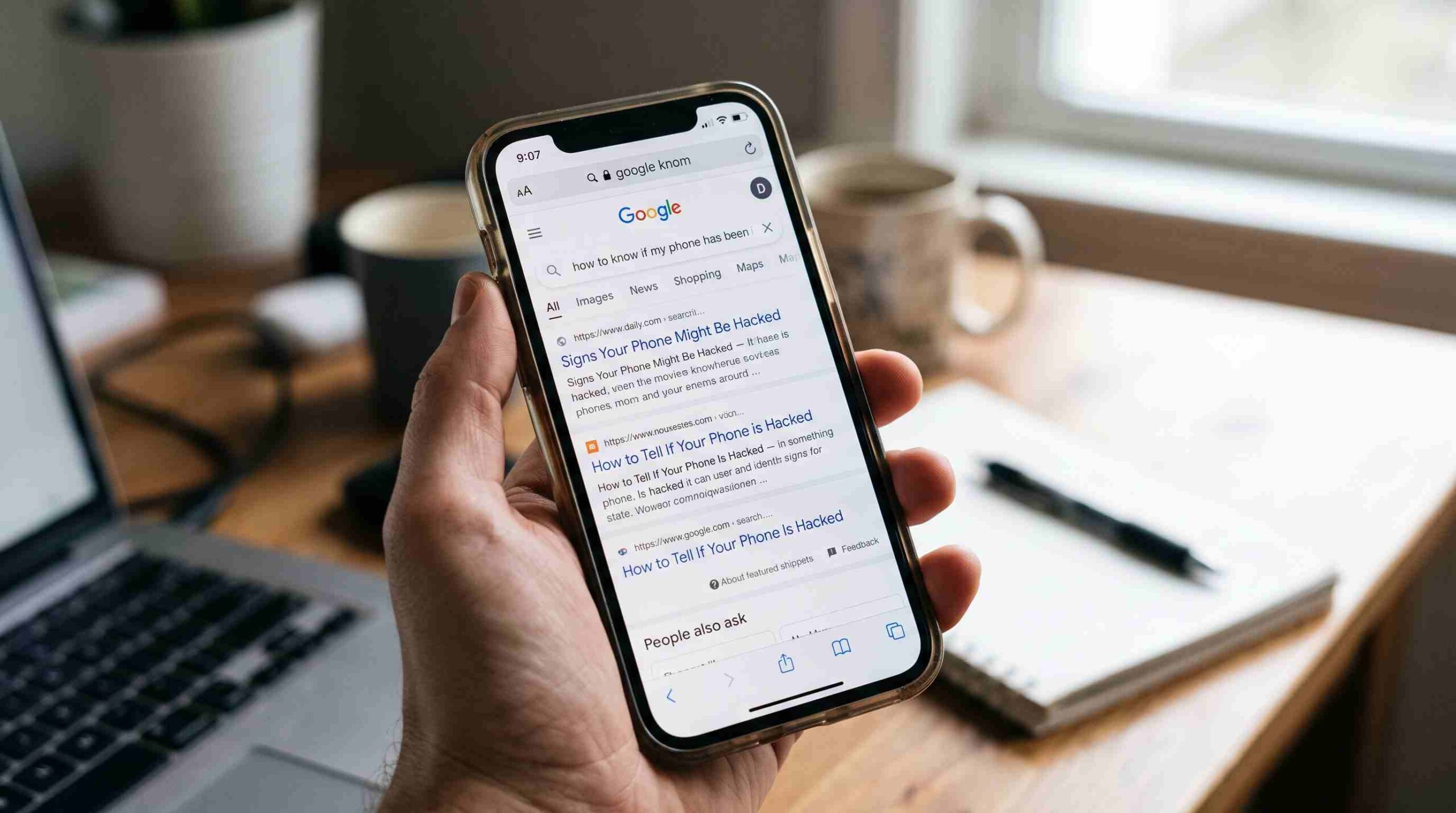
Has your phone been acting strange lately? You’re probably already asking how to know if your phone has been hacked. Maybe the battery drains faster than usual. Maybe your data bill jumped for no reason. These moments make people nervous, and rightly so. Your phone holds everything from banking apps to private photos.
Before you panic, learn what actually happens when a phone gets compromised. Hacking doesn’t always look like something out of a movie. Most of the time, it stays quiet. A hacker doesn’t want you to notice, because the longer they stay hidden, the more they can access. That’s exactly why learning how to know if your phone has been hacked matters so much. You’re not looking for dramatic signs. You’re looking for small inconsistencies that don’t add up.
The Most Common Signs Your Phone Has Been Hacked
A handful of signals show up consistently once hackers compromise a device. If you’re trying to figure out how to know if your phone has been hacked, start by checking these.
Unusual battery drain is one of the biggest giveaways. Spyware and tracking tools run constantly in the background, and that drains power fast. If your battery suddenly drops much faster than it used to, and your habits haven’t changed, investigate it.
A spike in data usage offers another clue. Malicious apps often send information back to a remote server, and that process eats into your mobile data. Check your data usage settings. Look for apps you don’t recognize or ones using far more data than they should.
A few other signs deserve your attention: your phone overheats when you’re not using it heavily, random pop-ups appear outside your browser, apps you didn’t install show up on your home screen, and your phone restarts or shuts down on its own. None of these alone proves anything. Together, they build a pattern that answers the question of how to know if your phone has been hacked.
Checking Your Accounts for Suspicious Activity
Phone security isn’t just about the device itself. It’s about the accounts connected to it. Review your account activity across email, banking, and social media. This gives you one of the most reliable ways to learn how to know if your phone has been hacked.
Most major services, including Google’s account security checkup, let you see which devices are currently using your account. If you spot a device or location you don’t recognize, that’s a strong warning sign. Sign out of anything unfamiliar right away. Change your password from a device you trust.
Password reset emails you didn’t request deserve attention. So do friends receiving strange messages from your accounts. Login notifications from cities you’ve never visited round out the list. These signs go beyond the phone itself and confirm your suspicion that your phone has been hacked.
Apps and Permissions That Shouldn’t Be There
A deep dive into your installed apps gives you one of the most direct ways to figure out how to know if your phone has been hacked. Go through your app list slowly. Look for anything you don’t remember downloading.
Pay close attention to permissions too. Does a simple flashlight app really need access to your contacts, microphone, and location? Spyware often disguises itself as a harmless utility while it quietly collects data in the background. On Android, review this under app permissions in settings. On iPhone, check under Privacy & Security.
Found an app with permissions that don’t match its purpose? Uninstall it and run a security scan. The Federal Trade Commission recommends reviewing app permissions regularly as one of the simplest habits for protecting personal data on mobile devices.
What To Do If You Confirm Your Phone Has Been Hacked
Work through the signs above until you feel confident about the answer. Act instead of just observing once you suspect how to know if your phone has been hacked applies to you right now.
Disconnect from Wi-Fi and mobile data first. This stops any ongoing data transfer. Run a trusted mobile security scan next to detect and remove malicious software. Change your passwords after that, starting with email and banking. Use a separate, uncompromised device if you can. Turn on two-factor authentication wherever a service offers it; this adds a barrier even if your password got exposed. If the problem persists, do a factory reset. Back up only your photos and contacts first, not your apps, since reinstalling the same malicious app would undo your progress.
For step-by-step resets on both Android and iPhone, check our device security guides on thebdpage.com.
Staying Protected Going Forward
Knowing how to know if your phone has been hacked helps, but prevention saves you the stress in the first place. Keep your operating system updated. Most security patches close the exact holes hackers rely on. Avoid downloading apps outside official stores. Stay cautious with public Wi-Fi. Never tap links in unexpected texts or emails; people call this tactic phishing.
Phones have become an extension of daily life. They hold far more personal information than most people realize. Take twenty minutes every few months to check battery usage, app permissions, and account activity. This small habit makes a real difference. The next time something feels off, you’ll already know how to know if your phone has been hacked, and more importantly, exactly what to do about it.