
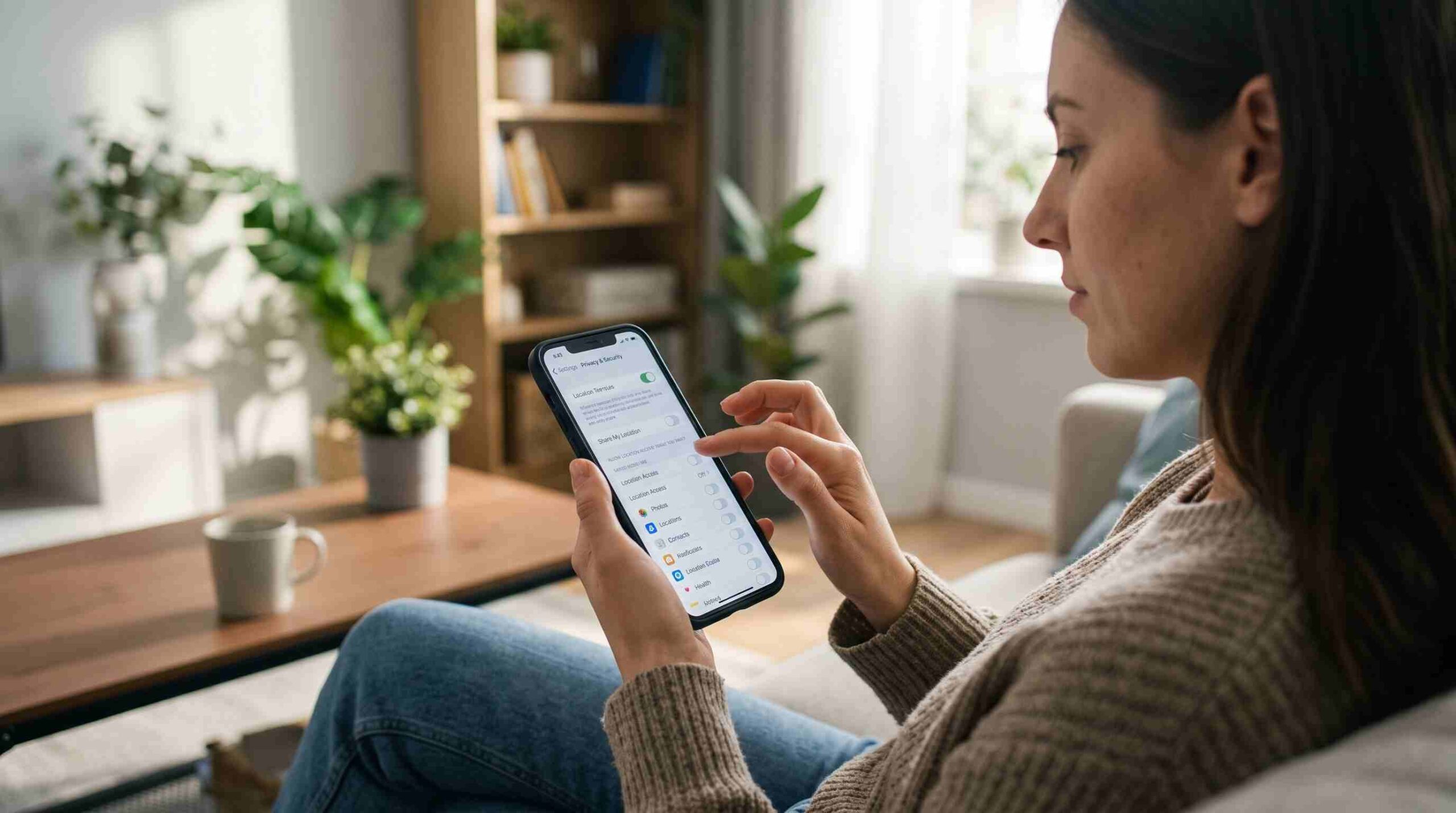
If you’ve ever opened an app and felt a little uneasy about how much it seems to know about where you’ve been, you’re not alone. A lot of people start searching for how do I stop apps from tracking my location after noticing eerily accurate ads for a store they walked past, or a weather app that somehow knows their exact street. The good news is that you don’t need to be a tech expert to fix this. Your phone already has the tools built in — you just need to know where to look and what to turn off.
What “Location Tracking” Actually Means
Before diving into how do I stop apps from tracking my location, it helps to understand what’s actually happening. Apps can request access to your GPS coordinates, Wi-Fi network data, and even Bluetooth signals to figure out where you are. Some apps need this to function properly, like a maps app giving you directions. Others, like a flashlight app or a simple game, have no real reason to know your location at all, yet many still ask for permission. Once granted, that data can be stored, shared with advertisers, or sold to data brokers, which is exactly why people start looking for ways to stop apps from tracking my location in the first place.
Checking Location Permissions on iPhone
If you’re an iPhone user wondering how do I stop apps from tracking my location, the fix starts in your Settings app. Go to Settings, then Privacy & Security, then Location Services. From there, you’ll see a full list of every app that has requested location access. Tap on any app and you can choose “Never,” “Ask Next Time,” “While Using the App,” or “Always.” For most apps, “While Using the App” is enough, and for apps with no clear need for your location, “Never” is the safest choice. This single screen answers most of the question of how do I stop apps from tracking my location for Apple users.
Checking Location Permissions on Android
Android users can follow a similar path. Open Settings, tap Location, then App Permissions. This shows you a clear breakdown of which apps have access “All the time,” “Only while in use,” or “Not allowed.” If you’ve been asking yourself how do I stop apps from tracking my location on an Android phone, switching risky apps to “Only while in use” or “Not allowed” is the quickest fix. Android also lets you set a reminder so the system periodically asks if you still want to keep an app’s location access active, which is a handy way to stay on top of permissions over time.
Turning Off Background Location Access
One detail people often miss when figuring out how do I stop apps from tracking my location is background access. Even if an app doesn’t use your location while you’re actively using it, it might still track you in the background. On iPhone, this is controlled in the same Location Services menu by picking “While Using the App” instead of “Always.” On Android, choosing “Only while in use” does the same job. This step alone can dramatically cut down on the number of apps quietly logging your movements throughout the day, even when your phone is sitting in your pocket.
Reviewing Precise vs Approximate Location
Both iPhone and Android now let you share an approximate location instead of your exact GPS coordinates. If you’re still wondering how do I stop apps from tracking my location with pinpoint accuracy, this setting is worth checking. On iPhone, when you tap into an app’s location settings, you’ll see a toggle for “Precise Location.” Turning it off means the app only gets a general area, not your exact spot. Android has a similar option labeled “Use precise location” versus “Use approximate location” in the permission screen. For apps like weather or local news, approximate location is usually all they genuinely need.
Limiting Ad Tracking Tied to Location
A big part of answering how do I stop apps from tracking my location involves advertising systems, not just GPS settings. On iPhone, go to Settings, then Privacy & Security, then Tracking, and turn off “Allow Apps to Request to Track.” This stops apps from linking your location and activity to ad networks for targeted advertising. On Android, open Settings, then Privacy, then Ads, and reset or opt out of your advertising ID. Both of these steps work alongside your location permissions to reduce how much of your movement data ends up in advertising databases.
Reviewing App Permissions Regularly
Fixing how do I stop apps from tracking my location isn’t a one-time task. New apps you install may request location access, and old apps sometimes change their permissions after an update. It’s worth setting a reminder every few months to revisit your location settings and remove access for anything you no longer use or trust. According to the Electronic Frontier Foundation, location data collected over time can reveal detailed patterns about a person’s daily life, which is exactly why regular check-ups matter.
Using Your Phone’s Privacy Dashboard
Both major mobile operating systems now include a privacy dashboard that shows recent app activity, including location access. On iPhone, the little location arrow icon in your status bar shows which app just used your location. On Android, the Privacy Dashboard under Settings shows a timeline of permission usage. These built-in tools make it easier to answer how do I stop apps from tracking my location on your own, without installing any extra software. If you notice an app using location more often than expected, that’s your cue to revoke its access immediately.
A Few Extra Steps Worth Taking
Beyond basic settings, a few extra habits help reinforce your privacy. Turning off Wi-Fi and Bluetooth when you’re not using them limits another way apps can estimate your location. Reading app permissions carefully before installing something new also helps, since this is the easiest point to say no before an app ever gets access in the first place. For a deeper look at how location data is used across industries, the Federal Trade Commission’s guidance on mobile privacy is a solid resource for understanding your rights as a consumer.
Final Thoughts
At the end of the day, how do I stop apps from tracking my location comes down to a short checklist: review your permissions, turn off background access where it isn’t needed, switch to approximate location when precision isn’t required, and limit ad tracking. None of this requires special software or technical skill, just a few minutes spent in your phone’s settings. Once you’ve gone through these steps, you’ll have real control over who sees your location and when, instead of leaving it up to default settings you never chose yourself.
If you found this guide useful, you might also like our related post on protecting your personal data online for more practical privacy tips.