
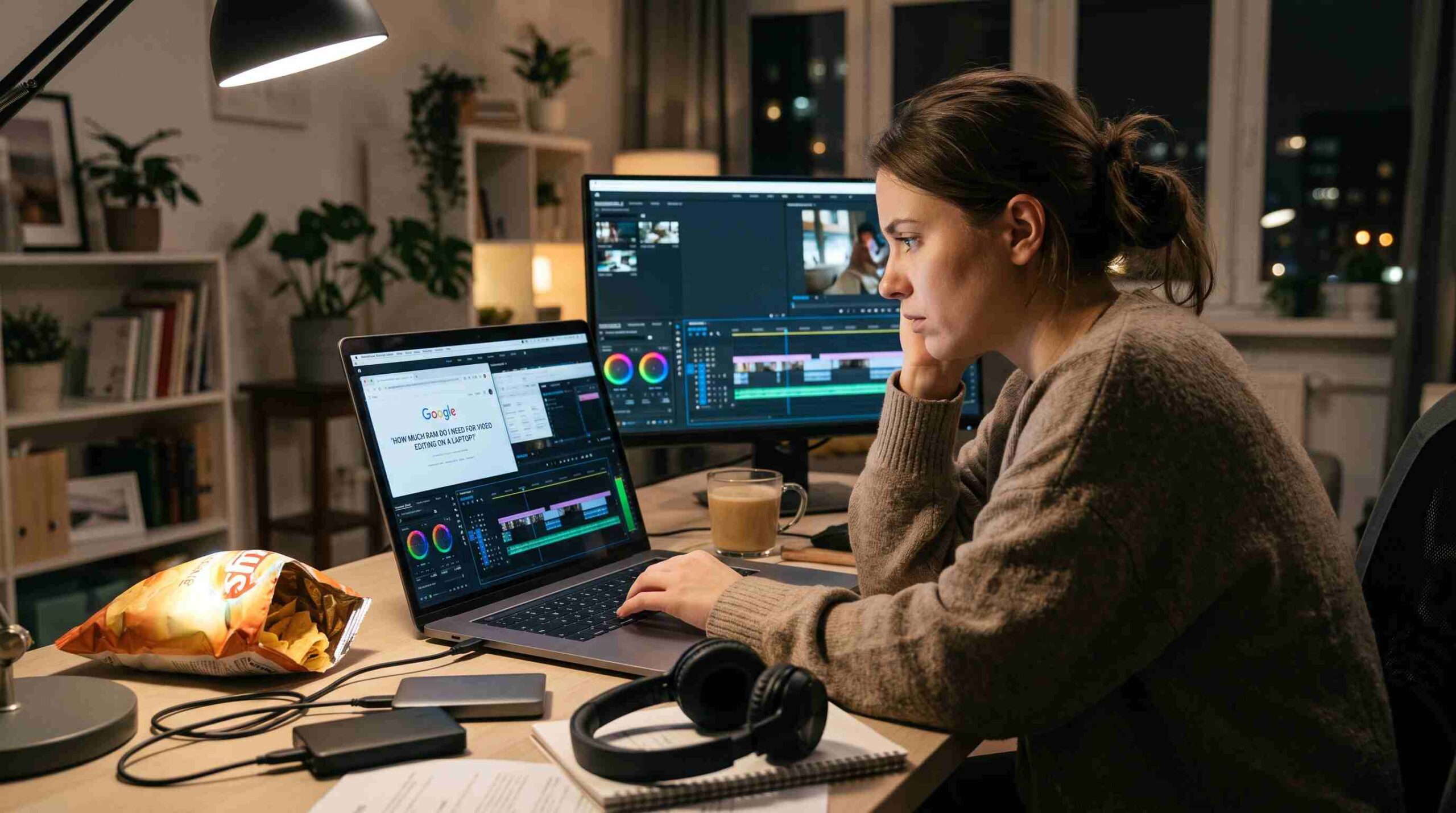
If you’ve ever stood in front of a laptop spec sheet wondering how much RAM you need for video editing on a laptop, you’re not alone. It’s probably the single most confusing number on the page, because the honest answer depends entirely on what you’re actually cutting together — a few vlogs in 1080p, or multi-cam 4K footage with heavy color grading. Let’s walk through it in plain terms, without the marketing fluff.
Why RAM Matters When You Edit Video on a Laptop
Before picking a number, it helps to understand what RAM is doing while you edit. Every clip you drag onto the timeline, every effect you preview, and every cache file your editor builds gets held in memory so your software doesn’t have to keep reading from the drive. Programs like Adobe’s Premiere Pro and Blackmagic’s DaVinci Resolve lean on RAM especially hard when you stack multiple layers, add color correction, or work with high-resolution footage. Run out, and your timeline starts stuttering, exports slow down, and the whole machine can feel sluggish even outside your editing app. So when people ask how much RAM they need for video editing on a laptop, they’re really asking: how much memory keeps my software from choking when the project gets complex?
8GB RAM — Is It Enough for Video Editing?
Technically, yes, you can open a video editor with 8GB of RAM. Practically, it’s a rough experience the moment your project grows past the basics. If you’re editing simple 1080p clips with a few cuts and no heavy effects, 8GB might limp along. But most modern operating systems and browser tabs alone eat into that budget before your editing software even opens. For anything beyond the lightest hobby editing, 8GB isn’t a comfortable answer to how much RAM you need for video editing on a laptop — it’s the bare minimum you’d want to avoid if you can help it.
16GB: The Realistic Starting Point
For most people asking how much RAM they need for video editing on a laptop, 16GB is where the real answer begins. It’s enough to comfortably edit 1080p and most 4K projects, apply standard effects, and run your operating system and a browser in the background without constant freezing. Students, YouTubers, and small business owners cutting promotional videos tend to find 16GB a workable everyday setup. It won’t make you invincible against huge, layered 4K timelines, but it removes the daily frustration that 8GB brings.
32GB RAM for Serious 4K Projects
Once you’re working with multi-layer 4K timelines, heavy color grading, motion graphics, or several video tracks running at once, 32GB becomes the more honest answer to how much RAM you need for video editing on a laptop. This is the sweet spot for freelance editors and small studios who need headroom without jumping to workstation-grade pricing. According to Puget Systems’ editing benchmarks, performance gains from RAM tend to plateau around this point for most mid-sized projects, which makes 32GB a sensible ceiling for a large share of professional work rather than overkill.
64GB and Beyond for Professionals
If your daily work involves 6K or 8K footage, dense visual effects, 3D elements, or multiple editing applications open simultaneously (think Premiere Pro, After Effects, and a browser full of reference tabs), 64GB or more starts to make sense. This tier isn’t about future-proofing for its own sake — it’s for editors whose timelines are already demanding enough that anything less causes real slowdowns. For this group, the question of how much RAM they need for video editing on a laptop isn’t about comfort anymore; it’s about whether the machine can keep up with the workload at all.
Other Factors That Affect How Much RAM You Need
RAM capacity isn’t the only variable. RAM speed, your laptop’s storage type, and your processor all play a role in how smooth your editing feels. A laptop with 16GB of fast RAM paired with a solid SSD can sometimes outperform a machine with more memory but a slower drive, because your editor also relies on disk caching when RAM fills up. Crucial’s memory guide is a useful resource if you want to understand how RAM speed and type affect real-world performance, not just raw gigabyte counts. So when you’re figuring out how much RAM you need for video editing on a laptop, it’s worth looking at the whole system, not just one spec in isolation.
Quick Recommendation Based on Your Workflow
If you’re just starting out and editing casual 1080p content, 16GB is a fair, budget-friendly choice. If you’re doing regular 4K work with effects and color grading, aim for 32GB — it’s become the realistic standard for serious editors. And if your projects involve high-resolution footage, visual effects, or running several heavy programs at once, 64GB will save you from constant slowdowns. There’s rarely one universal answer to how much RAM you need for video editing on a laptop, but matching the RAM to your actual project size, rather than guessing, is the way to avoid both overspending and underpowering your setup.
Final Thoughts
RAM is one of the few laptop specs where “more is better” is mostly true, but it’s not the only thing that matters, and it’s easy to overspend on capacity you’ll never use. Think honestly about the resolution you shoot in, how many effects and tracks you typically stack, and whether you multitask with other heavy apps while editing. Once you’re clear on that, the question of how much RAM you need for video editing on a laptop becomes a lot easier to answer — and a lot cheaper to get right the first time.